

ShotMap · Android
ShotMap Android public beta
Help build a map of photography spots. Follow the steps below to install and start testing.
Current public test build
0.1.0-beta (36)
Official website test APK · 108.2 MB
What’s new
- Submission shows upload activity and confirms the photo count and review status when successful.
- Creators can edit the camera position on the map. Withdraw a pending new-spot submission before editing.
- Improved session renewal to reduce repeated sign-in prompts during normal use.
- Updated help and privacy information.
Download the APK
Use this official website and check the version below. Android 8.0 or later is required.
Allow installation from this source
When Android asks, allow the browser or file manager used to open the APK to install unknown apps. You can turn this permission off after installation.
Install or update ShotMap
Open the APK and follow the system instructions. Install updates over the existing app to keep local drafts. Uninstalling may remove drafts.
Sign in and contribute
Use Google or verified email, accept the privacy policy and terms, then submit your avatar and nickname for review.
Ordinary APK installation does not require root, USB debugging or developer mode. If your phone shows an additional developer-verification requirement, follow the official instructions for that device and region. Do not disable Play Protect or other security protection.
Android · Android installation guide · Google installation and developer-verification guidance
On Android, sign in with Google or verified email. Email registration and password reset use a code valid for 10 minutes; check the junk folder if it is missing. No Google account is needed for email sign-in.
To use one ShotMap account across platforms, open account connections, verify both identities and confirm the displayed account name and ID. Accounts that both already have content are kept separate and are not automatically merged. Your public profile username is optional, uses 3–30 English letters or numbers, and changes only after approval; your display nickname remains separate.
File verification (SHA-256)
015c457a265b642589801783424ae7dfc1ea88c9676bfe78f598fae6a4d715fb
Help shape ShotMap
Beta communities
Test the app, share feedback, and help build the map with your spots and photos.
WeChat beta community
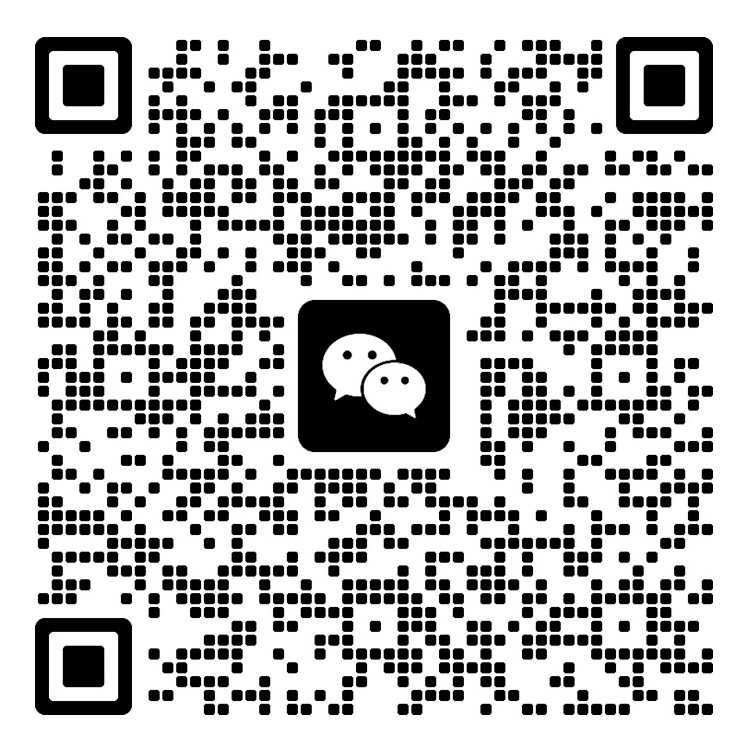
Scan with WeChat, or save the image and scan it from your photos in WeChat.
QR code valid through
Open full-size QR code ↗WhatsApp beta community

Scan with WhatsApp to join the beta group.
Open full-size QR code ↗