

ShotMap · iOS
ShotMap iPhone public beta
Help build a map of photography spots. Follow the steps below to install and start testing.
Current public test build
0.1.0 (85)
Available through TestFlight
What’s new
- Submission shows upload activity and confirms the photo count and review status when successful.
- Creators can edit the camera position on the map. Withdraw a pending new-spot submission before editing.
- Improved session renewal to reduce repeated sign-in prompts during normal use.
- Updated help and privacy information.
Install TestFlight
Get Apple’s TestFlight from the App Store first.
Join the ShotMap beta
Open the public beta link on your device. In TestFlight, choose Accept, then Install. Returning testers can choose Update.
Sign in and set up your profile
Sign in with Apple or verified email. Accept the privacy policy and terms, then submit your avatar and nickname. You can explore and contribute after profile approval.
Help shape ShotMap
Beta communities
Test the app, share feedback, and help build the map with your spots and photos.
WeChat beta community
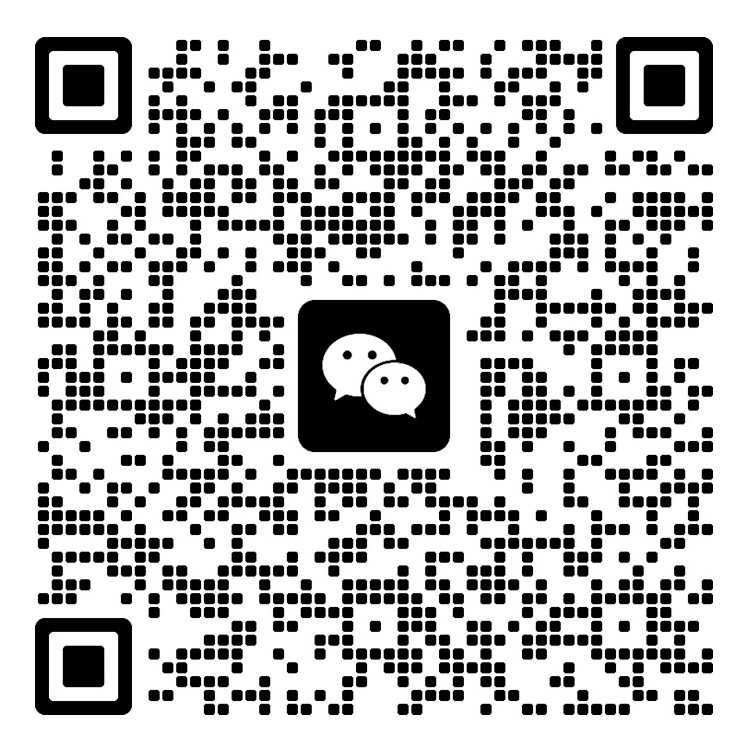
Scan with WeChat, or save the image and scan it from your photos in WeChat.
QR code valid through
Open full-size QR code ↗WhatsApp beta community

Scan with WhatsApp to join the beta group.
Open full-size QR code ↗